Gallery Wall with Metal Prints: 12 Steps to a Stunning Display
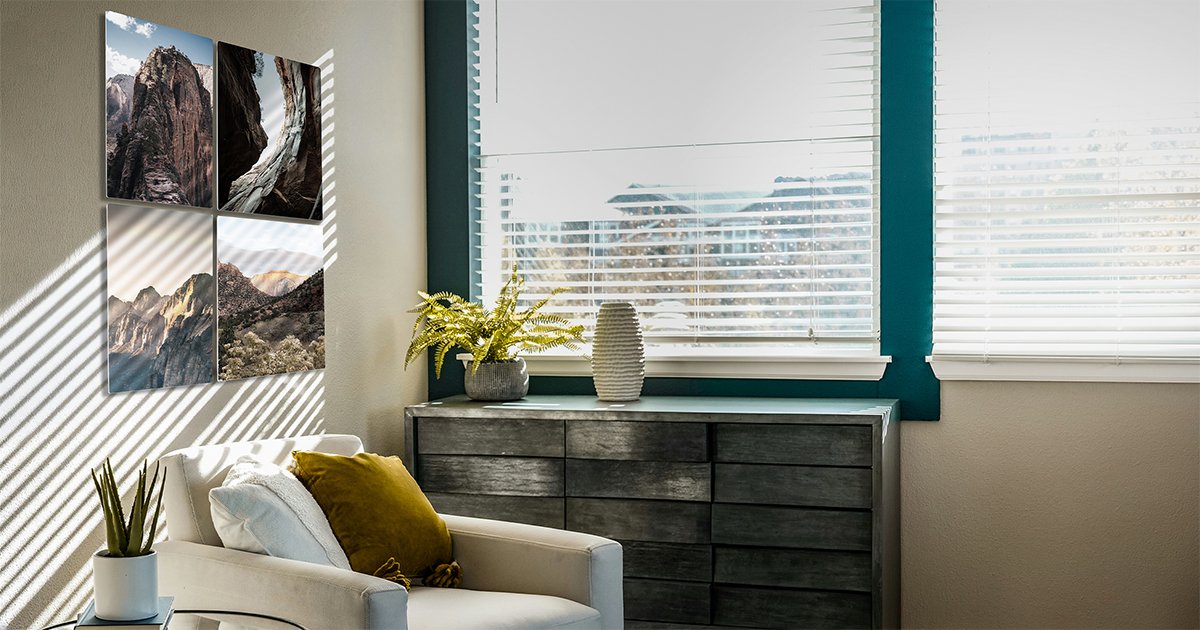
Inspiration for professional spaces: A four-panel split metal photo print gallery wall displaying serene landscape photography in a modern office interior.

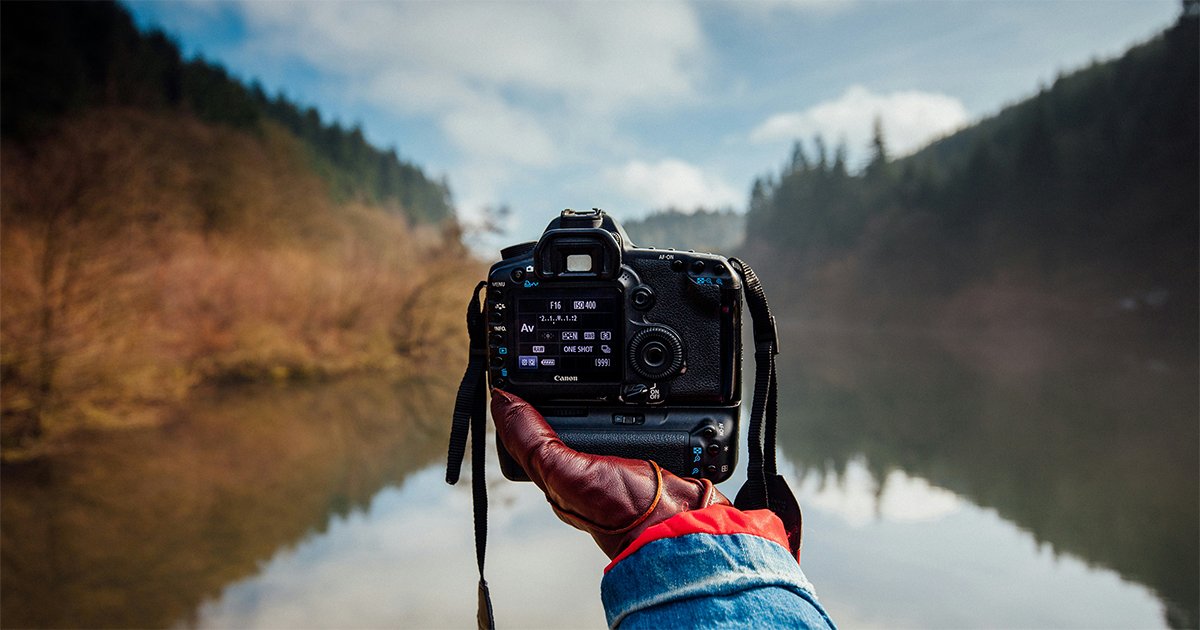
When people think about high-definition wall art, they imagine heavy DSLRs, professional tripods, prime lenses, and high-intensity studio lights. In reality, though, your phone camera has become an absolute powerhouse with incredible dynamic range, sharpness, and color accuracy. If your plan is to use a metal photo print service to turn this capture into a luxury ChromaLuxe aluminum panel, it is critically important that you find the right camera for metal photo prints to make your project shine. Unlike traditional materials that obscure subtle visual blemishes via their innate fibrous nature, metal substrates preserve absolute sharpness, so you need to ensure that your starting file has maximum fidelity.
A deeper understanding of how your chosen capture device affects aluminum print outcomes will help you to choose the absolute best camera for metal photo prints that will bring your vision to vivid, lasting life. While a traditional canvas hides visual flaws behind thick and textured brushstrokes, dye sublimation printers will showcase every shadow and reveal each nuance in your initial capture. Whatever device you choose for the task, be it a smartphone or a high-end DSLR, your approach to framing and composition will need to shift in order to achieve gallery-quality results with a metal photo print service.
Modern smartphones, smart sensors, and complex multi-lens systems take in enormous swaths of visual information with every capture. The way this data is interpreted and displayed on your phone’s OLED panel has nothing to do with how it will be presented on a large-scale aluminum mount, however. Understanding how different capture devices affect substrates means looking at your source file with fresh, unromantic eyes. It also means paying particular attention to the dynamic range of a given capture and the peculiarities of your chosen aluminum print service.
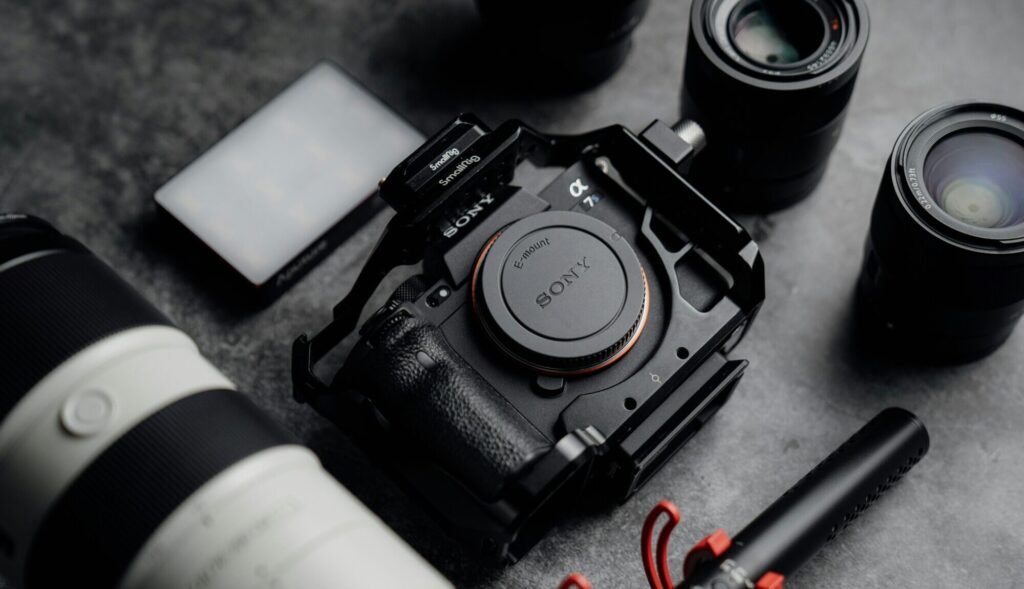
Selecting the right camera for metal photo prints is paramount, as it will give you the necessary tools to get the most out of your files. A smartphone will have tremendous resolution, but an actual dedicated camera will give you better control over exposure and composition. Pay particular attention to how heavily edited files appear on your viewing screen, as some manufacturers utilize aggressive sharpening algorithms to give the illusion of higher resolution. Capturing a clear and precise visual statement is more important than making it appear artificially sharp through post-processing.
One final note to keep in mind concerns the actual size of your print. If you are using a phone or a camera for metal photo prints to capture an image, keep in mind that a picture that looks impressive on your phone will appear somewhat disappointing on a larger mount. Capturing more visual information will help you to get the most out of your aluminum substrate, so keep this in mind when taking a picture for metal prints.
Before actually taking a picture, it is important to understand how to prepare your shots in accordance with the specifics of aluminum printing. Your first priority when selecting a reliable camera for metal photo prints should be the type of capture that it utilizes. For best results, use either the RAW setting or the highest quality possible. Phone cameras, in particular, have very small sensors, and their aggressive computational photography will produce excellent results in low light, but it will also exhibit strange artifacts at times.
The next step is to utilize any built-in tools that your device has to offer. Make sure that the grid is turned on, as it will help you to frame your shot correctly. If your camera has an exposure lock function, make sure to use it on mid-tones. This will prevent blown-out highlights, which appear much more prominent on metal mounts. Lastly, make sure to clean your lenses before using the camera for aluminum photo prints, as any smudges will appear far too prominently on a large-scale metal substrate.
Due to the sheer convenience of smartphones, they have become a popular choice for casual photography. Capturing a candid shot or a vacation selfie has never been easier, as everybody carries a smartphone with them. Capturing a floating garden, a mountain lake, or a pet playing fetch is one thing, but turning these everyday shots into aluminum prints requires a more careful approach. Smartphone sensors are small, so they utilize aggressive computational photography to replicate the look and feel of an actual camera.
Note for Printing: When using these devices for aluminum printing, make sure to always use the 1x optical framing option rather than the digital zoom. Also, make sure that your files are transferred via messaging apps or physical USB connection, as Messenger and WhatsApp will severely compress the image.
If you are looking to get into the world of photography and aluminum prints but do not have the means or desire to purchase a full-fledged system camera, then entry-level and mid-rate mirrorless cameras might be a perfect choice for you. These devices utilize a completely different approach to photography, as they rely on extremely small and power-efficient mechanical shutters to expose the sensor to light. By utilizing a mirrorless system, manufacturers are able to achieve higher burst modes and faster autofocus than ever before.
If you have the means and the ambition, you can utilize your own professional system to capture an image that will look spectacular in a custom aluminum print. These systems are usually considerably more expensive than their mirrorless and smartphone counterparts, but they offer unrivaled performance when it comes to low-light photography and dynamic range.
Lighting is the most important element in photography, as it defines the emotional core of any given picture. Capturing a good shot on a smartphone can be challenging, as you will need to carefully balance exposure and saturation. Avoid shooting in full, unforgiving sunlight, as it will flatten out any interesting shadows and details in your composition. Instead, try to capture your shot on a cloudy day or in a shaded area to get that warm and inviting atmosphere.
Indoor photography requires a separate set of considerations, as artificial lighting can add strange new hues to your photographs. Make sure to utilize large windows to capture interesting shadows, and avoid using mixed lighting sources to prevent strange mixed exposure issues. Capturing a good shot for metal printing means keeping your ISO as low as possible and avoiding any digital zooming functions, as they will severely degrade the quality of your image. Always try to shoot at a 1x optical zoom and use natural lighting to frame interesting compositions.
One of the most common mistakes that beginning photographers make is to utilize digital zoom when framing their shots. Digital zooming does not utilize the extra resolution, it simply interpolates the existing pixels to get an undesirably low quality. Capturing a good shot for metal printing means avoiding zooming and shooting at a 1x optical frame. Always remember to use physical movement and actual focal length changes rather than digital zoom when framing your shots. Testing how your chosen camera for aluminum mounting reacts to physical framing will help you to get the most out of your device.
Another thing to consider when talking about physical framing concerns lenses and their peculiarities. Wide-angle lenses are great for adding interesting depth to your pictures but can warp the image in extreme situations. Capturing a good shot for metal printing means avoiding these issues by using standard focal lengths. Standard lenses will not add distortion to your pictures, making them ideal for architectural and portrait photography.
Photographing objects outdoors can be challenging, as lighting conditions are highly variable due to the time of the day. Extreme examples of this involve photographing interesting clouds or dramatic sunsets, as you need to capture the detail in the clouds without blowing out the highlights. Using a camera for aluminum prints means using manual exposure modes, as they will give you the most creative freedom.
Lock exposure on the brightest point in your composition, and you will be able to preserve the detail in your highlights. At the same time, you will be able to increase exposure during post-processing to reveal the detail in the shadows. Metal photo substrates are perfect at displaying extreme contrasts, but the actual information must be present in the initial file. Testing how your camera for metal mounting reacts to strong exposure will help you to get the most out of your device.
Even the most minor physiological movements can affect the quality of your photography, especially when using larger devices. Capturing a good shot for metal printing means eliminating any camera shake by using external stabilization means. Photographers will utilize small, portable tripods to steady their devices and prevent any unwanted motion. Another good option is to use the self-portrait mode on your smartphone or a camera for metal photo prints. Either way, make sure to utilize a proper camera mount and always keep your hands away from the device when using an actual camera.
Another thing to consider when eliminating motion concerns the actual image stabilization function of your device. Make sure to always have it turned on, as it will prevent any unwanted camera shake in low-light situations. The smaller the device, the more likely it is to be affected by unintentional motion, hence the need for special stabilization techniques.
One of the most egregious mistakes that photographers make is to send pictures to themselves or other devices via messengers. Various applications will use in-built compression features to reduce the file size and transfer it via Bluetooth or cellular networks. This will severely degrade the quality of the image and ruin any potential aluminum print. Capturing a good shot for metal printing means eliminating any potential loss of quality by using direct file transfer or cloud links.
For more information on related techniques and the specifics of digital photography, make sure to consult resources that utilize Apple camera support and offer general information about how smartphones work. There are also a variety of general guides regarding phone photography and aluminum printing on sites such as Digital Photography School.
To summarize everything that has been discussed above, here is a short list of advice and a comparison matrix to help you choose the best camera for metal photo prints based on performance:
| Device Category | Average Price Range | Sensor Size | Recommended Max Size of Print on Metal | Primary Advantage |
|---|---|---|---|---|
| Current Smartphones (e.g., iPhone 17 Pro) | $799 – $1,199 | Small Mobile Sensors (1/1.28″ to 1/2.55″) | Up to 16 x 20 inches | Always in your pocket, computational HDR |
| Entry Mirrorless (e.g., Sony a6100 / Nikon Z50II) | $800 – $1,100 | APS-C Crop Sensor | Up to 20 x 30 inches | Interchangeable lenses, lightweight body |
| Mid/Full-Frame (e.g., Canon EOS R8 / Nikon Z5 II) | $1,300 – $1,600 | Full Frame (35mm equivalent) | Up to 30 x 40 inches | True depth of field, exceptional low-light |
| High-Res Pro (e.g., Sony a7R / Fujifilm X-T5) | $1,600 – $4,500+ | High-Megapixel Full-Frame / APS-C | Gallery-Sized (40+ inches) | Extreme edge-to-edge sharpness and detail |
Once you have captured a truly remarkable shot that you want to see on aluminum, it is time to consider your editing options. Capturing a good shot means using your mobile device or actual camera for aluminum prints to frame the composition, but the editing process is just as important.
Avoid using hard light or other visual effects, as they will amplify any imperfections in the initial file. Always use exposure to enhance your visual contrasts, and keep the sharpening slider at a reasonable value. Avoid using excessive saturation, as it will cause your colors to bleed unnaturally on the metal panel. Capturing a good shot for metal printing means using exposure and contrast to manipulate the visual appeal, rather than using arbitrary visual effects.
One last thing to consider when editing your photographs concerns the actual export settings. Always make sure to use the highest possible resolution and quality settings when exporting your edited file. A good practice is to always export files in sRGB color space, as it will ensure that your colors are reproduced faithfully on the metal substrate. Following these basic guidelines will ensure that your aluminum print turns out as expected.
Inspiration for professional spaces: A four-panel split metal photo print gallery wall displaying serene landscape photography in a modern office interior.
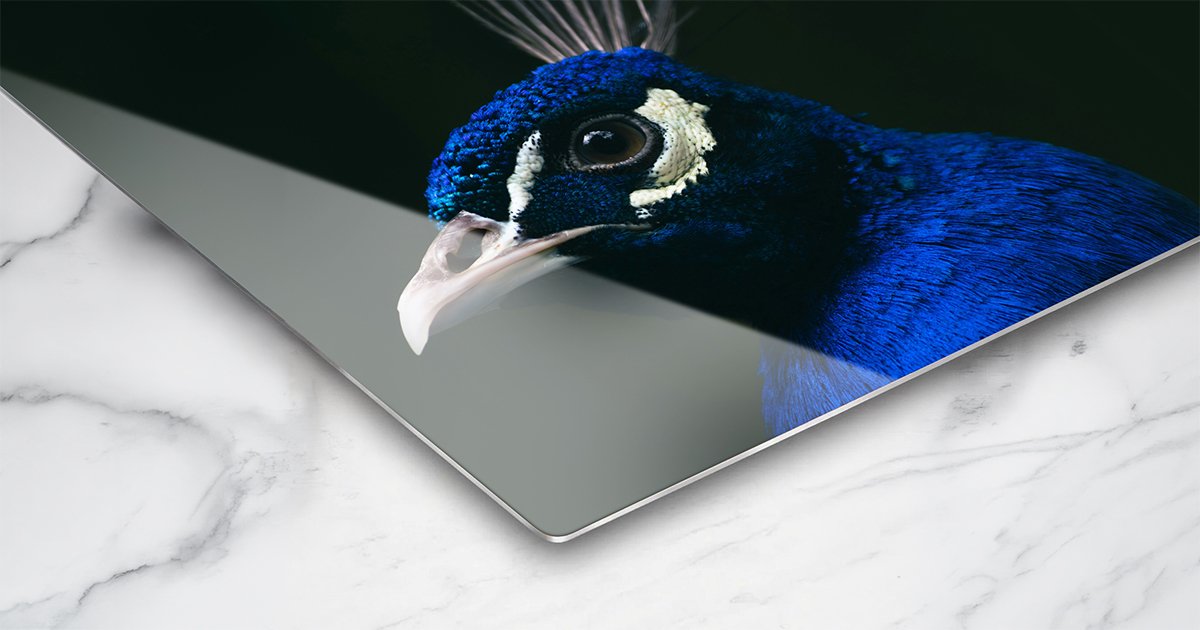
Explore how high-definition metal photo prints deliver stunning color vibrancy and crystal-clear detail, transforming your favorite photography into modern, gallery-grade wall art
We accept most standard formats.
Naming: Please name your images to match your desired layout (e.g., 01_Large, 02_Small).
Large Files: If files exceed 20MB, please provide a link to a cloud storage folder.
Notes: Add specific size or placement details in the 'Project Details' box.
A successful Seattle psychologist who is in her 30s has created a high-end clinical warmth by furnishing her office with mid-century modern and a charcoal couch. To give her clients an extra special experience, the psychologist presented a four-panel gallery of 15" x 18.75" metal prints of misty forests or her Chicago upbringing. She decided to go for a glare-free matte finish to put the deep colors of the metal prints on full display. This way, the artwork creates an illusion of a luxury getaway in her office.
Young newlyweds in their 20s at ASU bring "high-end sentiment to a student budget" as they navigate their college experience, balancing work and school, transforming a standard apartment into a home. To personalize their space and commemorate their journey, they opt for an upscale 7 piece gallery display, with a 15x18.75'' centerpiece of their wedding portrait framed by six 6x6'' square prints of their memories. The images are printed in large high gloss format to be captured in all their glory in the Arizona sun, creating durable keepsakes that will survive their temporary stay in the house.
A busy Austin-area mom organizes her suburban home so that she and her husband can enjoy the important transition of bringing their first child home while still balancing their careers that require working from home. To keep these moments front and center as they occur at her desk, she displays a compact, cohesive gallery of 4" x 6" glossy metal prints in her home office. By going with this easily expandable option with a brilliant, wipe-clean gloss, the colorful art serves as a premium story wall that beautifully chronicles their life as a family of three.
An adventurous Portland couple in their 30s recently moved in together for the first time, balancing their busy careers with frequent escapes to tropical getaways. To personalize their rental space and commemorate their love of travel, they've created an eye-catching 4x5 grid of 20 small 5" x 5" glossy metal prints that mimic an aspirational instagram feed of their adventures. The couple invested in a versatile, rental-friendly display solution that would let them curate and update their gallery-quality HD metal print collection in a portable, easy-to-reconfigure format that evolves with every new destination.
A high-energy San Antonio family makes room for chaos and creativity in their home, where a couple and their two children try to savor every precious second before the little ones head off to collegeTo make sure they can enjoy every single detail without losing sight of the big picture, these proud parents have created a beautiful 24-pieces mosaic timeline that highlights the family's 15x15, 15x18.75, 14x18, 12x18 glossy metal prints arranged into a single large composition. Everything fits perfectly to create a cohesive whole, while being wipe-clean for easy cleaning and ready to survive the messy toddler years.
A dentist based in the Atlanta area brings 'Southern luxury meets high-tech precision' to the practice that he shares with multiple colleagues, and manages to make time for both in the busy schedule of tending to his two teenage children. To set the mood in his treatment rooms and patient lounge, the dentist displays a pair of sleek 12" x 18" metal pieces in the form of black-and-white landscapes on the accent wall. The upscale look of the artwork in an extra glossy finish fits right in with the modern image of the well-equipped dental office, and at the same time offers a heavy-duty yet easy-to-clean surface that is perfect for a high-traffic setting.
A driven UC Merced student in his early 20s brings "creative-academic meets modern-industrial style" to his shared apartment in the form of a single 12" x 18" statement metal print above his desk while pursuing law school and nurturing his passions for landscape photography to create this inspiring showcase. To ground his compact, multi-purpose bedroom and maintain inspiration close at hand during his studies, he displays a single large statement print in a high-gloss finish that makes the vibrant alpine light pop with professional gallery quality while being ultra-durable for his moveable future in the legal profession.